"It's always been so complicated that I don't even know where to begin to look."
That's how one practice administrator described the QPP website. She wasn't alone. During a single submission window, the help desk received 8,834 tickets — users who couldn't find what they needed, didn't understand what they found, or made small errors that wouldn't surface until their scores arrived months later.
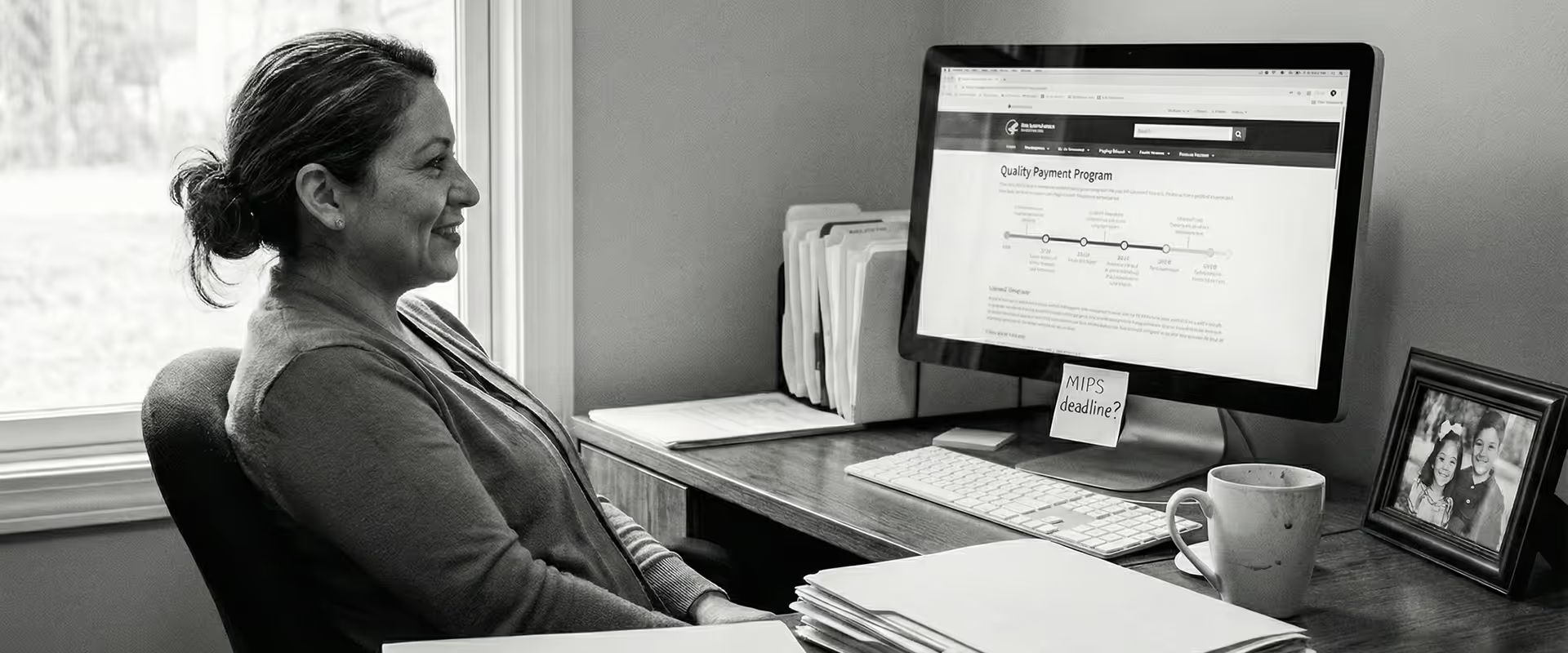
The QPP site is where clinicians go to learn what they need to report, and whether they're meeting federal quality standards. But the site was covered in complex policy language, and overrun with unstructured content. QPP website users described the navigation as "too many forks on too many roads, and small practices without dedicated compliance staff suffered from the lack of plain language guidance.
Research uncovered a predictable pattern of similar questions year after year. Help desk tickets told a consistent story. That meant the issues were both clearly defined and fixable.
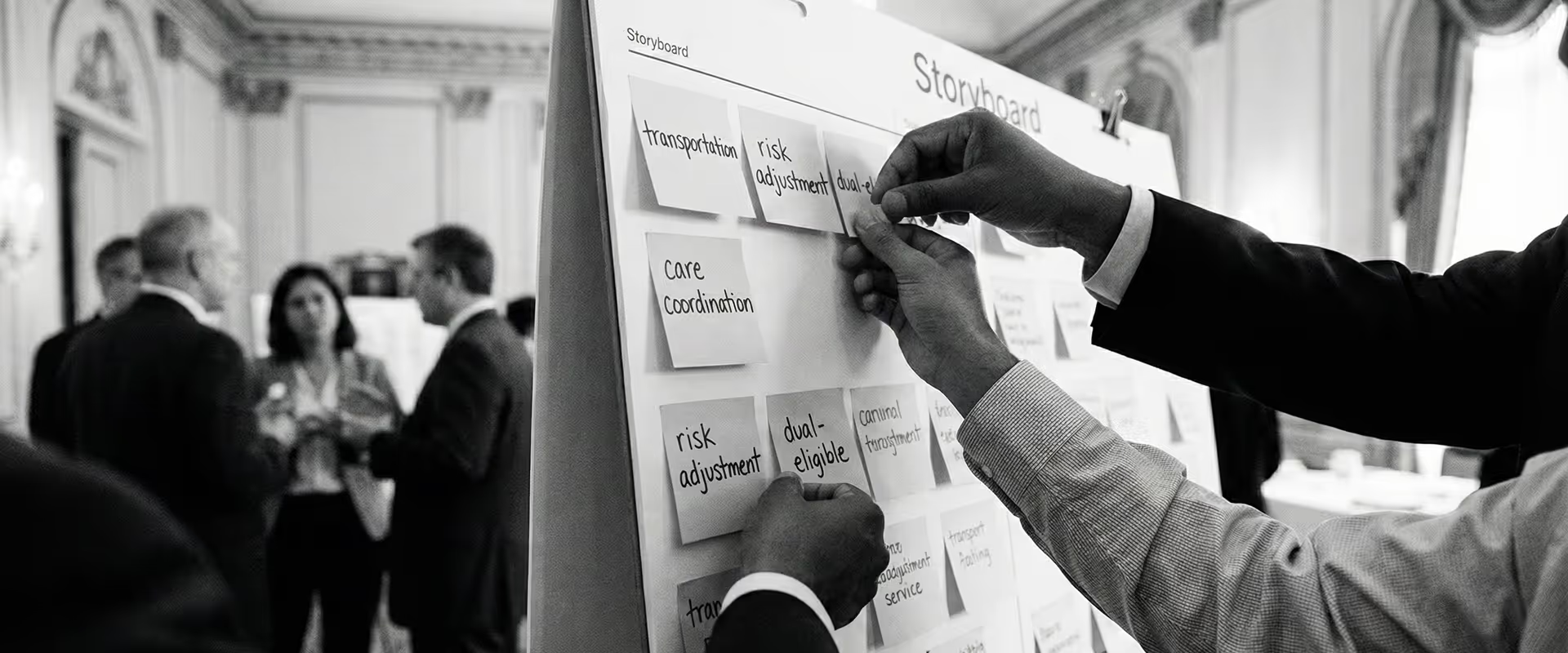
Our researchers observed clinicians, practice administrators, and billing staff as they used the site. The research confirmed what the tickets suggested: the site's structure didn't match how people thought about their work. Users expected information organized around their participation flow: eligibility first, then reporting, then final scores. The existing navigation scattered that logic across multiple paths.
Two connected problems came into focus. Users needed navigation that followed their natural workflow, but they also needed content they could understand once they got there. Our content strategists rewrote dense policy text in plain language, added a glossary for unfamiliar terms, and introduced content tags to surface updates for returning users. The new navigation followed the participation flow, and users could now reach key tasks in three clicks instead of seven. One feature addition drew an especially strong response: a chart comparing requirements across reporting pathways. "You read my brain," one participant said.
But even users who found their way still hit walls. Search required knowing the right vocabulary, and many didn't. "If I don't use the right words, they don't know what I'm saying," one user explained. As a solution, the redesigned search now includes NPI (National Provider Identifier) lookup and suggested prompts, small assists for users unsure what to ask. For those who need more, a Resource Library Assistant powered by AI lets them skip the guesswork entirely — answering plain-language questions with results pulled directly from QPP documentation.
Some barriers had nothing to do with language or structure. Users with disabilities faced a site where accessibility had quietly eroded. Our team reduced WCAG 2.1 AA violations by 95 percent, rebuilt core components using the CMS Design System, and launched a feedback program to catch what we missed — and what changes next.